
DALL-E 3 Review
A practical DALL-E 3 review for ChatGPT users, creators, and developers. See where it fits, current API pricing context, and what to compare.
DALL-E 3 is still useful for instruction-faithful image generation, but it is now a situational choice beside newer OpenAI image models and stronger specialist creative tools.
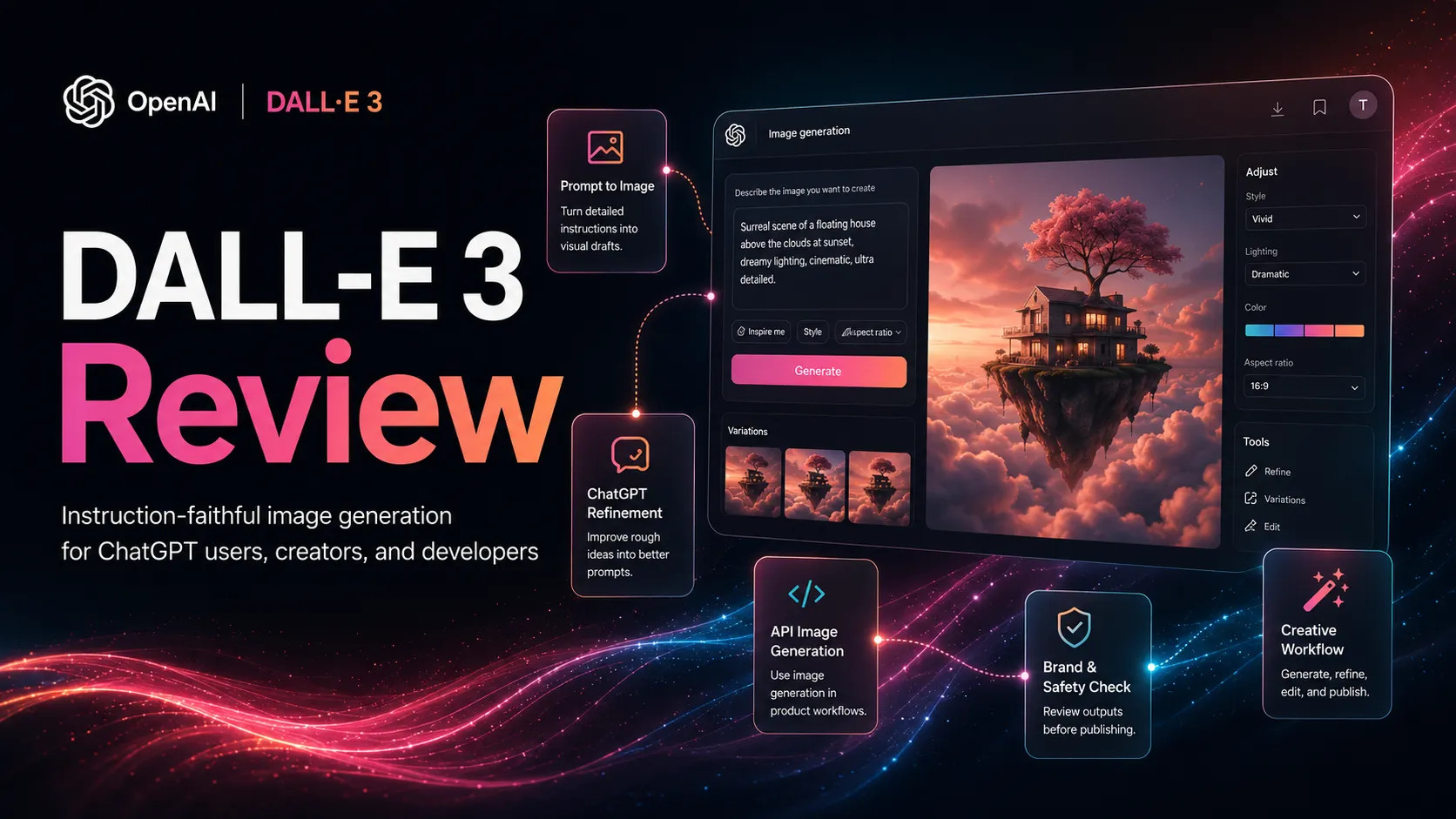
Use it if…
- ✓ You already use ChatGPT and want image creation to stay close to your brainstorming workflow.
- ✓ You care about instruction adherence, clear composition requests, and iterative visual direction.
- ✓ You need API image generation with straightforward per-image DALL-E 3 pricing.
- ✓ You are comfortable moving generated images into a separate editing or design tool before publishing.
Skip it if…
- – You want the latest OpenAI image-generation model family for a new production pipeline.
- – Your main goal is highly stylized art direction, cinematic concept art, or image-community workflows.
- – You need exact brand layout control, reusable design systems, or print-ready production files.
- – You cannot add human review for text, faces, policy-sensitive subjects, and commercial usage fit.
Review scorecard
Scored by workflow fit, ease of use, value, and stack compatibility. Weights reflect importance for typical buyers.
| Criteria | Score | ||
|---|---|---|---|
| Instruction following | 8.4 | ||
| Creative output quality | 7.2 | ||
| Workflow fit | 7.8 | ||
| Pricing clarity | 7.0 | ||
| Commercial and policy confidence | 7.5 | ||
| Future-proofing | 6.5 | ||
| Weighted overall | 7.5 / 10 | ||
On this page
Quick verdict
DALL-E 3 is no longer the cleanest answer to every image-generation question. It still matters because it is easy to understand, works naturally with ChatGPT, and remains useful for turning detailed instructions into usable image drafts.
The buyer question is narrower now. Do you want an instruction-faithful image model that fits a ChatGPT workflow, or do you want the newest OpenAI image model, the strongest art-direction tool, or a more controllable local workflow?
DALL-E 3 earns a 7.4 out of 10. It is useful, but situational. I would consider it for ChatGPT-centered concept work and simple API image generation, then compare it carefully before building a serious production pipeline around it.
This review is based on public OpenAI product information, official API documentation, pricing pages, help-center articles, and workflow-fit analysis. No private image-generation benchmark was conducted. Verify live pricing, model availability, and policy guidance before purchasing or integrating.
Who should use DALL-E 3
You have a visual idea but no patience for a blank design canvas. You can describe the scene, mood, format, and constraints in words, then let ChatGPT help turn that into a cleaner image instruction.
That is the best DALL-E 3 use case. It fits people who already think in ChatGPT: marketers drafting campaign visuals, creators exploring thumbnail directions, developers adding simple image generation, and non-designers who need a starting image before editing in Canva or Photoshop.
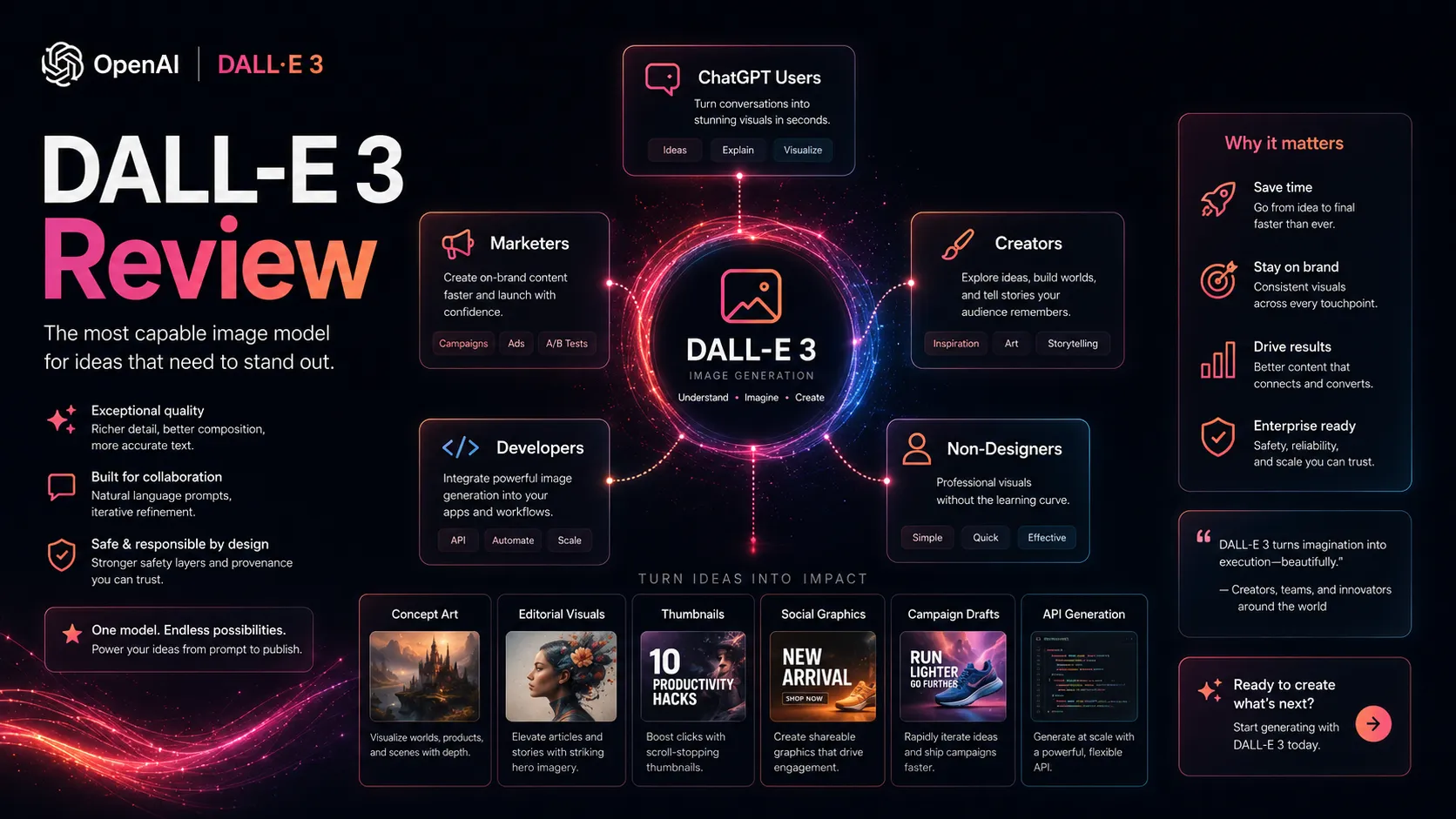
It also suits buyers who value instruction structure more than visual trend chasing. If you want the model to follow a detailed scene description, DALL-E 3 is still worth comparing. If you want the most cinematic or stylized output, Midjourney may deserve the first look.
Who should skip DALL-E 3
Skip DALL-E 3 if your real need is production design. It does not replace brand systems, layout tools, photo editing, reusable layout management, or a designer’s final judgment. A generated image can be a direction. It is not automatically a finished asset.
Skip it if you are starting a new developer workflow and want the newest OpenAI image stack by default. OpenAI’s current API documentation labels DALL-E 3 as a previous-generation image model, while the broader pricing page now highlights newer GPT Image models.
Also skip it if you need strong local control, repeatable character consistency, custom model workflows, or extremely specific art-direction systems. Stable Diffusion and other technical image stacks can be harder to run, but they give advanced users a different level of control.
DALL-E 3 pros and cons
Pros
- Strong natural-language instruction following for detailed image requests
- Easy fit for ChatGPT users who want image ideas quickly
- Clear API per-image pricing for DALL-E 3 generation
- Useful for concepts, thumbnails, editorial visuals, and campaign drafts
- Good bridge between brainstorming and downstream design tools
Cons
- OpenAI now positions it as a previous-generation API image model
- Not the strongest choice for stylized art-direction workflows
- Generated images still need editing, rights review, and brand checks
- ChatGPT image access and API image pricing are separate decisions
- High-volume teams need cost modeling and rate-limit planning
Real workflow fit
A realistic DALL-E 3 workflow starts with a sentence that is too vague: “make me an image for this article” or “create a product concept visual.” The value appears when ChatGPT helps shape that weak instruction into a more detailed scene, with subject, setting, lighting, composition, format, and constraints.
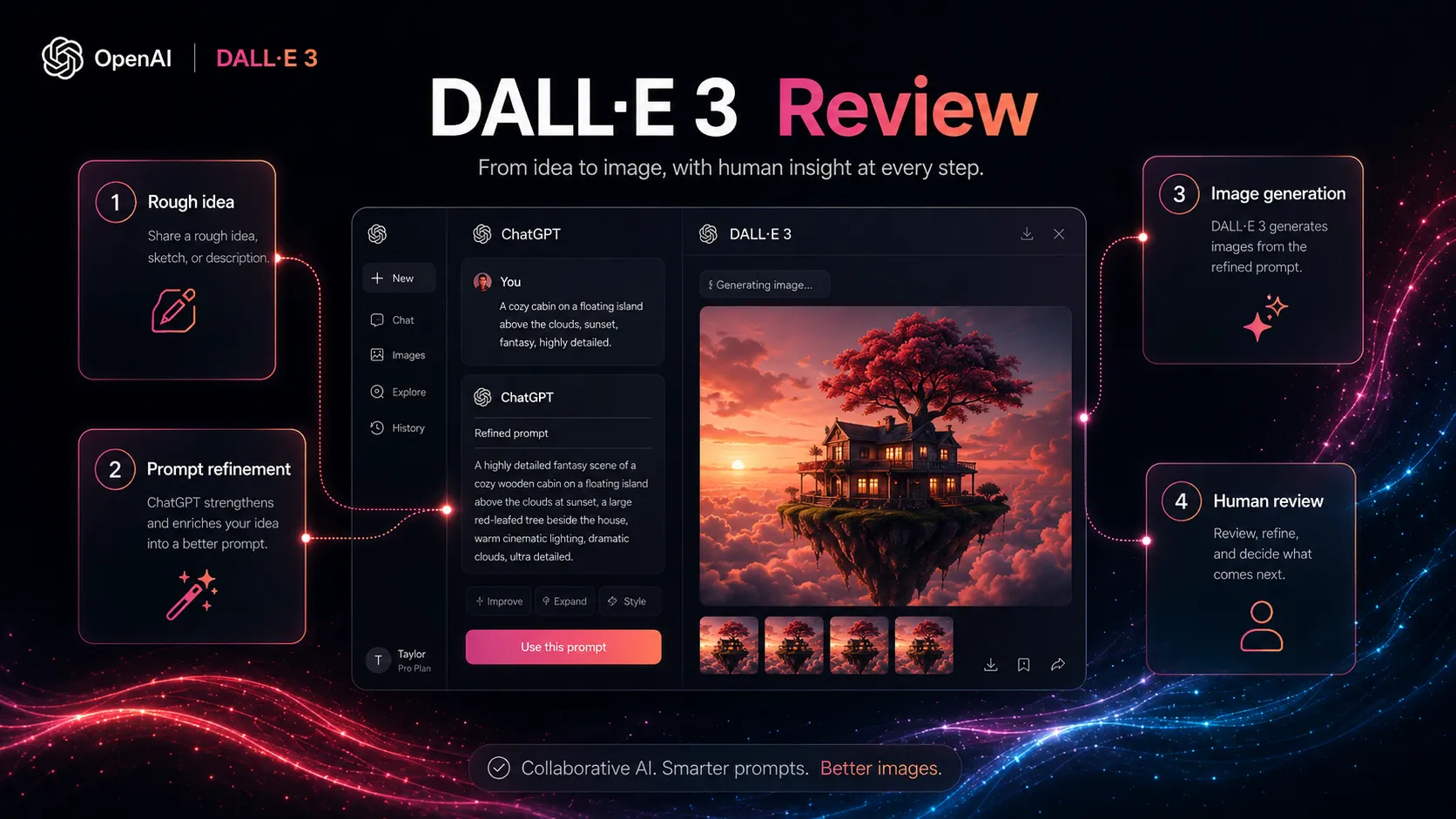
For creators, the path is usually idea, generate, select, edit, publish. For developers, it is image instruction, API call, output review, storage, moderation checks, and delivery. In both cases, DALL-E 3 is the image generation step, not the whole pipeline.
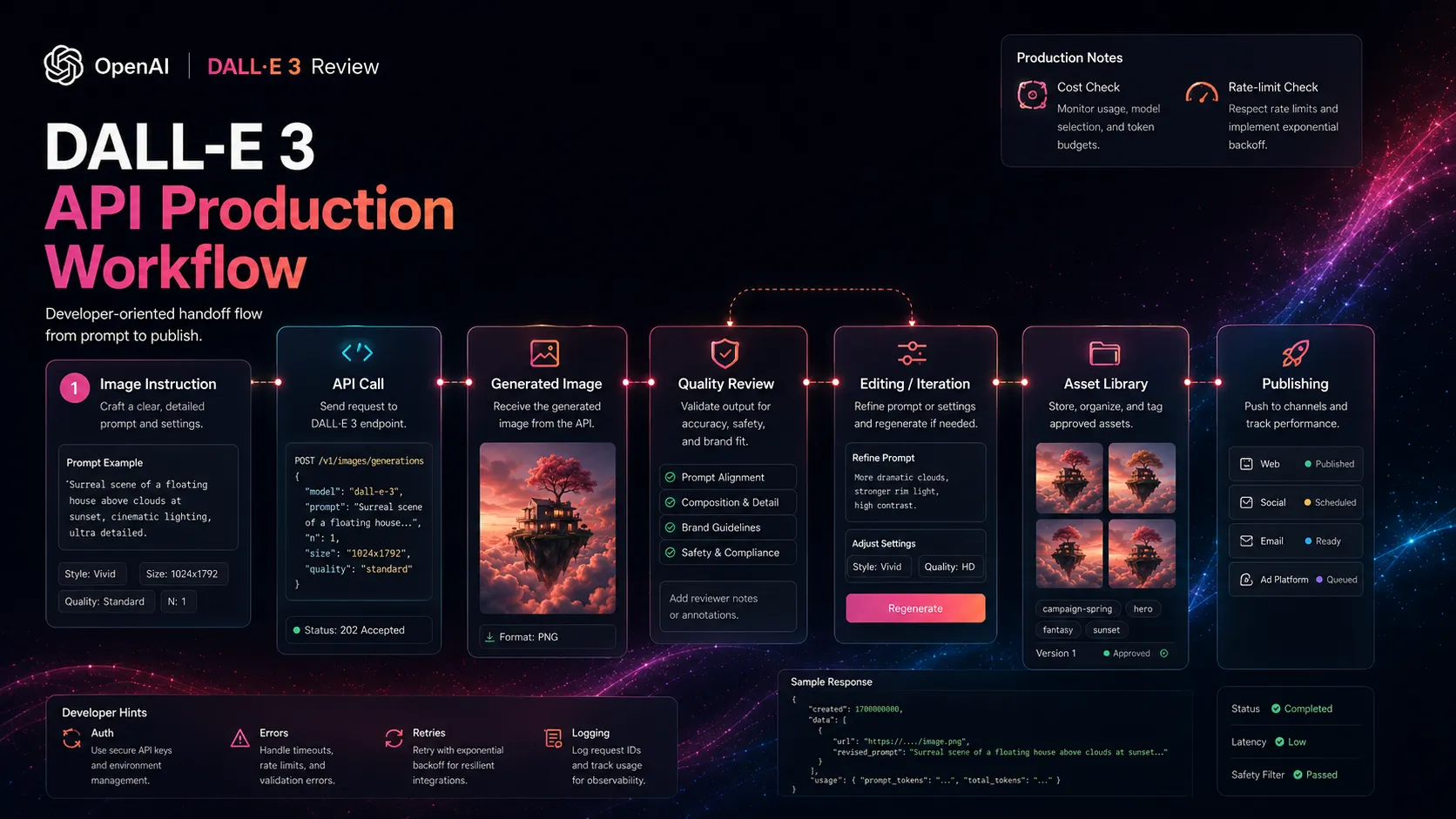
The friction is that the fun part is not the whole job. The output still needs small-detail review, text checks, policy judgment, design cleanup, compression, file naming, and placement inside a real page, ad, email, or app.
Where DALL-E 3 fits in an AI stack
DALL-E 3 sits in the image generation layer. It can replace some stock-image searching and early concept exploration, especially when the buyer needs a custom image direction quickly.
It does not replace ChatGPT, because ChatGPT is the reasoning and instruction-shaping layer around it. It does not replace Canva, Adobe Express, or Photoshop, because those tools handle layout, editing, reusable layouts, and final production. It does not replace a rights review, because generated images still need buyer judgment before commercial use.
The cleanest stack is simple: ChatGPT for concept and instruction refinement, DALL-E 3 for first visual drafts, a design tool for editing, and a publishing workflow for final delivery. If any of those steps are missing, the generated image is likely to stay as a nice demo rather than a useful asset.
What DALL-E 3 does well
The first strength is instruction following. DALL-E 3 was built around the idea that users should not need strange instruction tricks just to get the model to respect the words in a request. That makes it more approachable for non-designers.
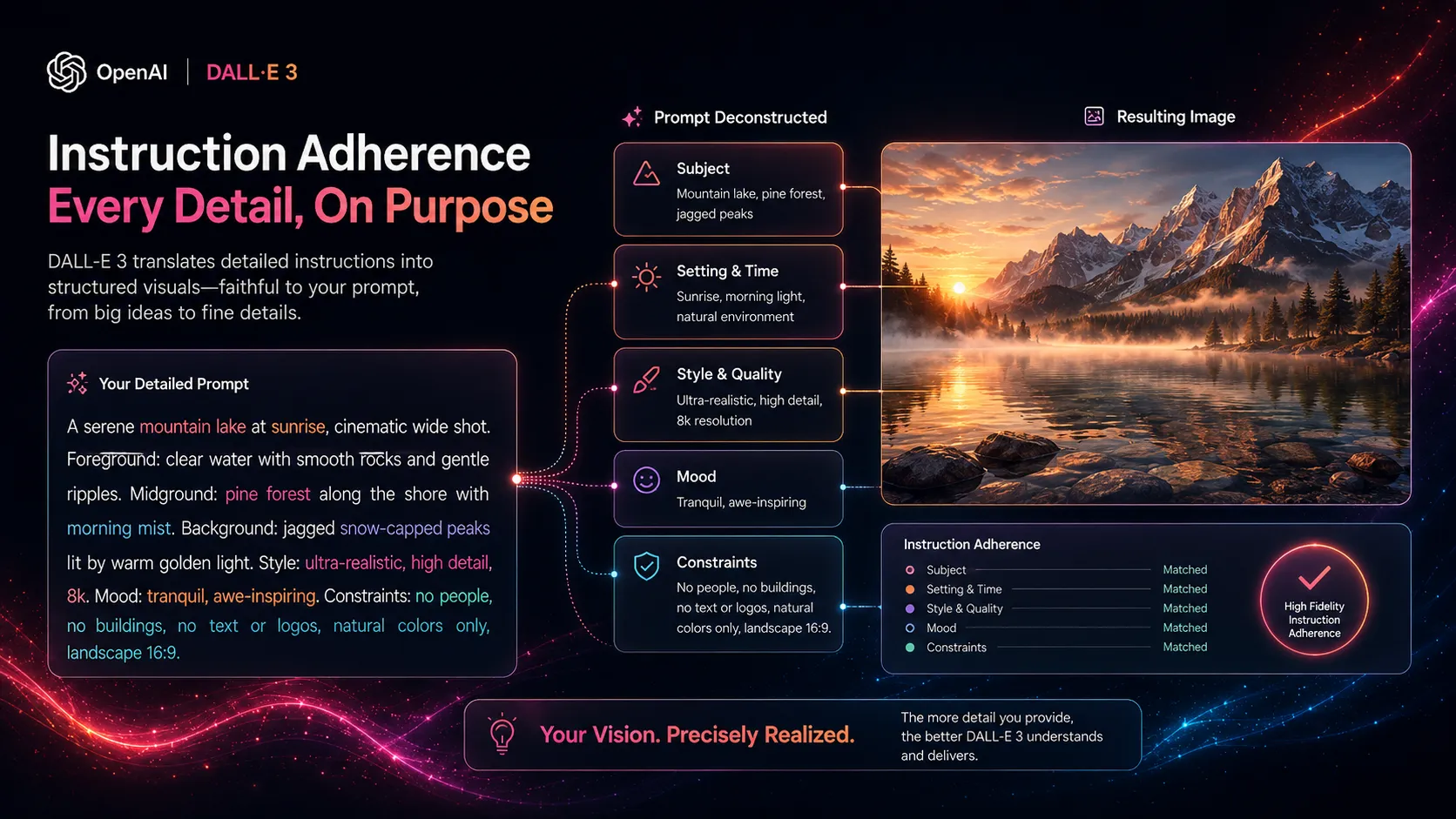
The second strength is ChatGPT pairing. Instead of forcing you to become a image-instruction specialist, ChatGPT can help expand a rough idea into a more complete image instruction. That matters for marketers and creators who think in briefs rather than art instructions.
The third strength is developer clarity. DALL-E 3 has a visible API model page with per-image pricing and supported sizes. For some developers, that is easier to model than token-priced image generation, even if newer image models may be the better long-term bet.
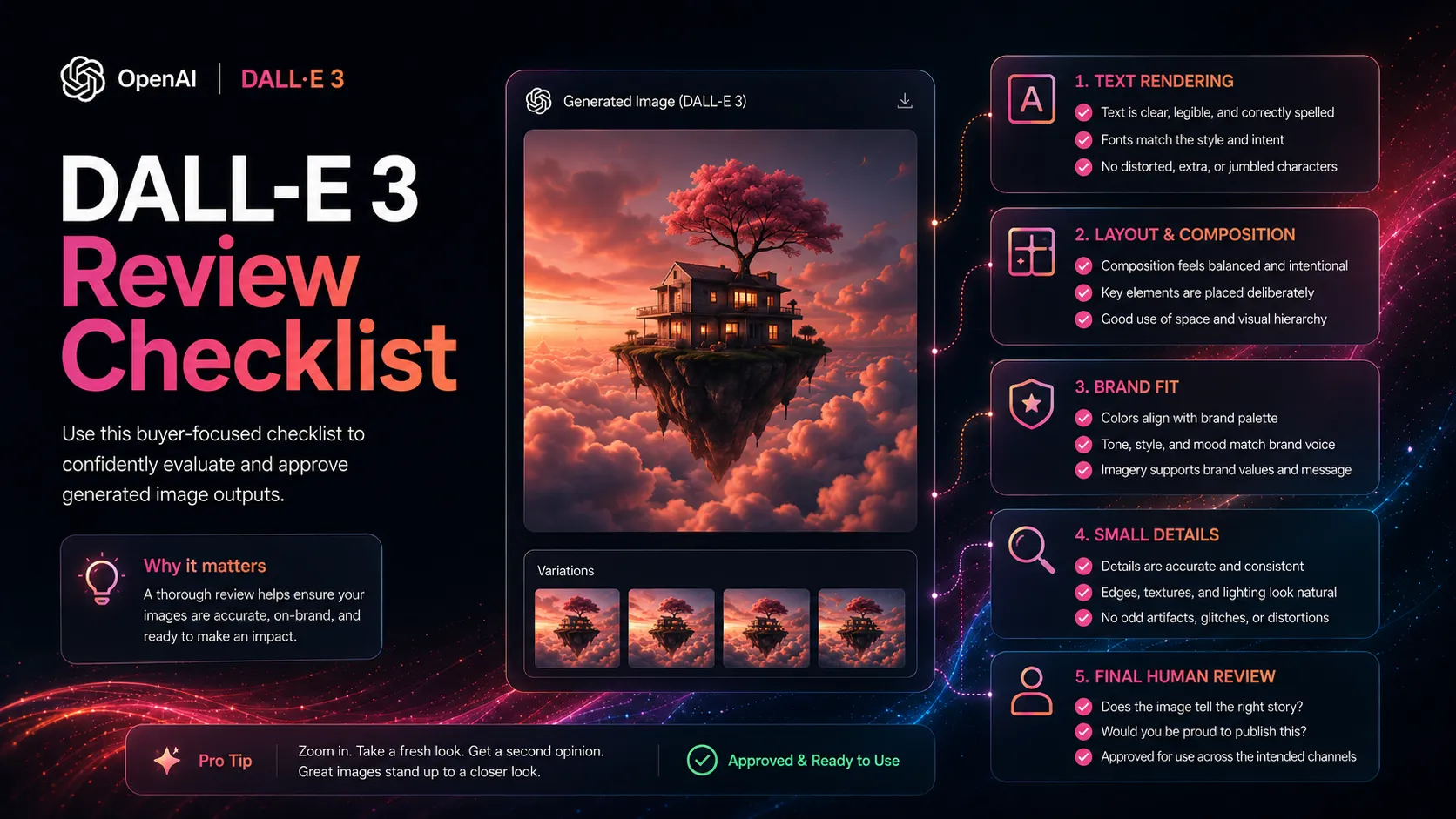
The surprise is that DALL-E 3 is often more useful as a workflow shortcut than as a final art tool. It helps you get from idea to visual direction quickly. The final 20 percent still belongs to editing and review.
Where DALL-E 3 falls short
The biggest limitation is that DALL-E 3 is no longer the newest OpenAI image story. That does not make it bad, but it changes the buying logic. A new API buyer should compare it against the GPT Image model family before assuming DALL-E 3 is the default.
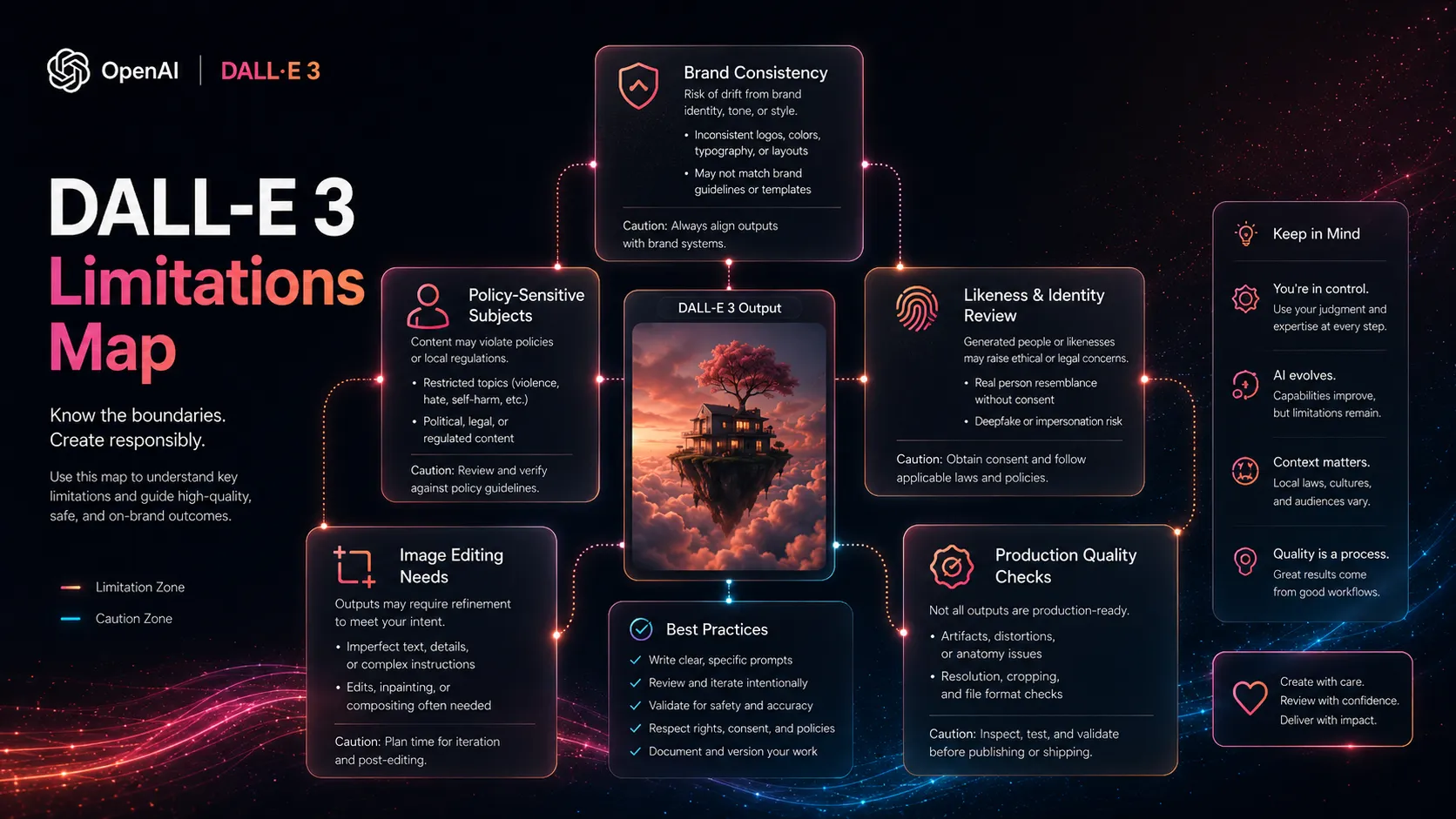
It also falls short for repeatable creative systems. If you need the same character, style, product angle, or campaign look across many assets, you may need heavier tooling, manual art direction, or a local/custom image workflow.
There is a smaller but real buyer trap here: generated images feel finished because they look polished. They are not automatically safe, accurate, on-brand, or usable. Text, logos, hands, faces, cultural context, and brand details still deserve review.
Pricing judgment
DALL-E 3 pricing needs to be split into two separate questions. One question is ChatGPT image generation access. The other is API generation cost.
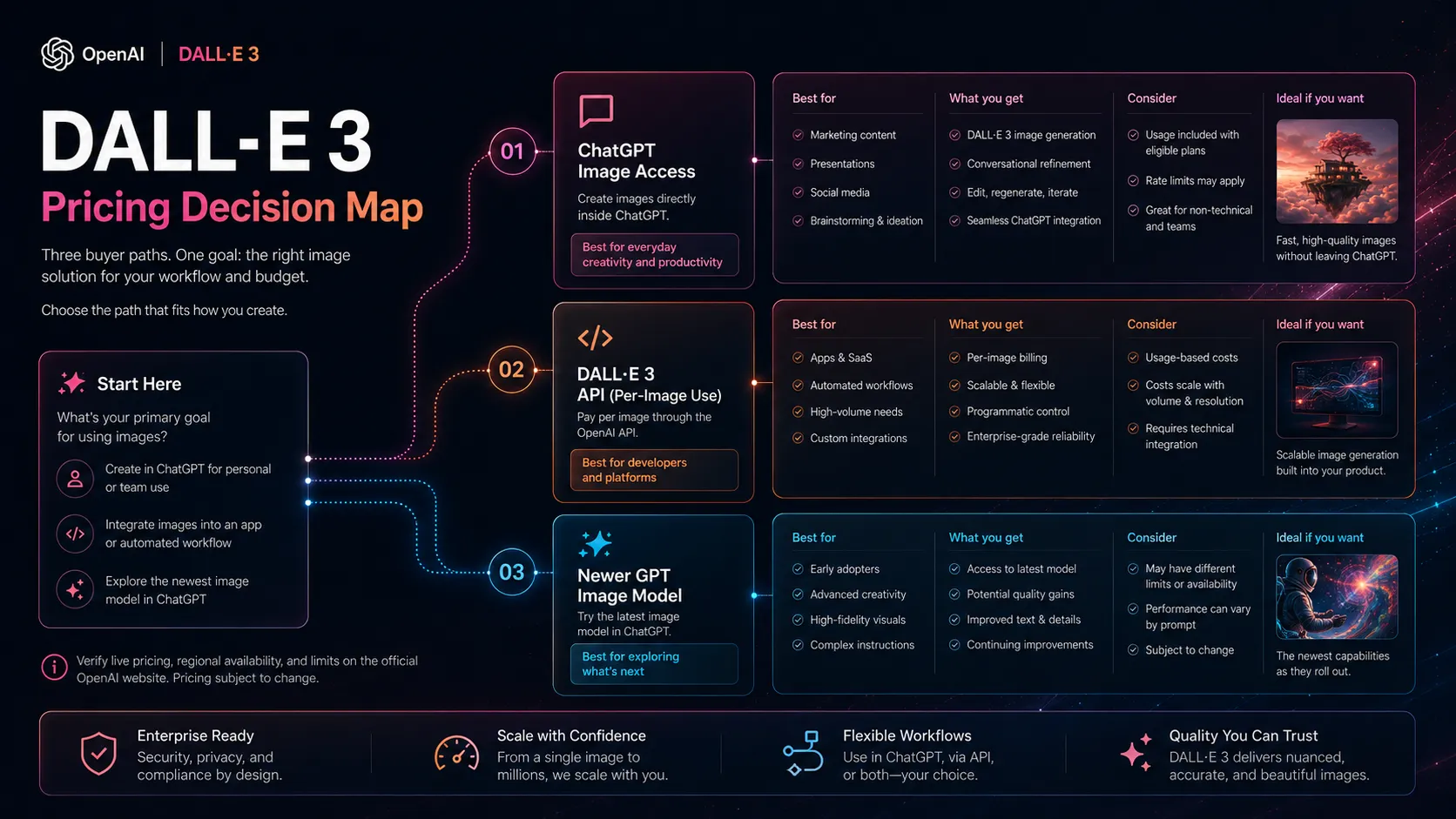
OpenAI’s current ChatGPT pricing page lists image generation across plans, with limited access on the free plan and fuller access on paid plans. That does not mean every buyer should pay only for DALL-E 3. It means image generation is part of the broader ChatGPT plan decision.
For developers, OpenAI’s DALL-E 3 API model page lists per-image pricing by quality and size. That is easier to estimate for simple use cases, but high-volume workflows still need cost modeling, rate-limit checks, and review time included in the budget.
My practical pricing advice is conservative. If you are a casual ChatGPT user, start with your existing plan access. If you are a developer, compare DALL-E 3 per-image costs against GPT Image pricing and output needs. If you are a creative team, compare the full workflow cost, not just the generation cost.
Best alternatives to compare
The right DALL-E 3 alternative depends on which part of the image workflow is causing pain. Do not compare these tools as if they are all the same product with different skins.
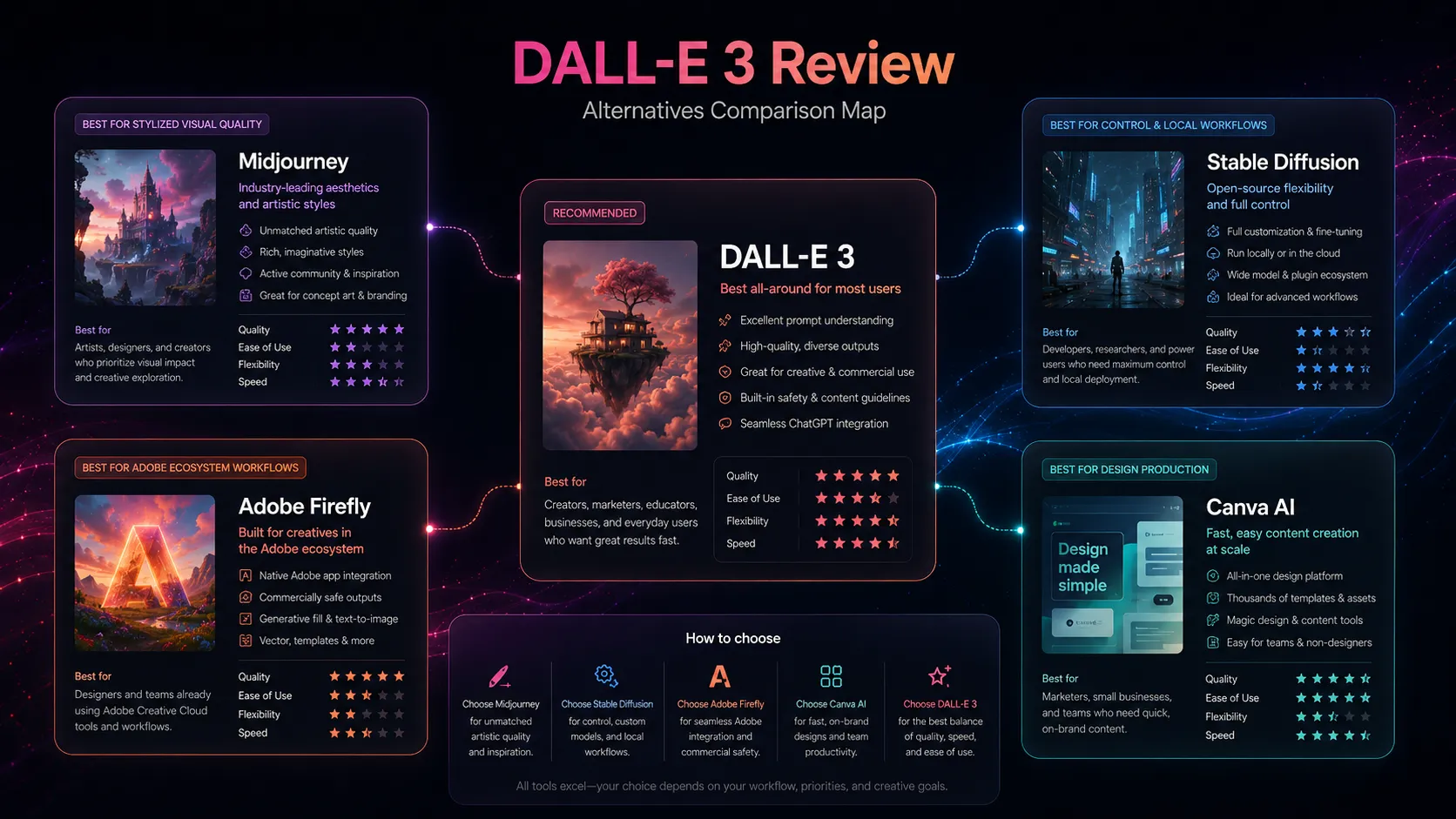
Midjourney is the first comparison for stylized visual quality and creative direction. Stable Diffusion is the comparison for control, local workflows, and technical flexibility. Adobe Firefly is the comparison for Adobe-centered teams and commercial-safe creative workflows.
Canva AI is different. It is less of a pure image-model alternative and more of a production companion. If your real goal is a social post, slide, ad, or thumbnail, you may need Canva AI after DALL-E 3 rather than instead of it.
Final decision
Add DALL-E 3 to your stack if you already use ChatGPT for creative thinking and want an easy path from rough visual idea to generated image draft. It is especially useful when instruction adherence and simplicity matter more than maximum art-direction control.
Compare it first if you are choosing a new image-generation system today. Look at GPT Image for OpenAI’s newer model family, Midjourney for visual style, Stable Diffusion for control, and Adobe Firefly for Adobe-centered production.
Skip it if you expect one tool to replace design, editing, rights review, brand systems, and publishing workflow. DALL-E 3 is useful as an image generation layer. It is not the whole creative stack.
Frequently asked questions
Is DALL-E 3 still worth using?
Is DALL-E 3 free?
Is DALL-E 3 better than Midjourney?
Can I use DALL-E 3 images commercially?
Should developers use DALL-E 3 API or GPT Image?
Where DALL-E 3 fits in a stack
AI image generation layer
Does not replace
- – Brand direction
- – Professional design review
- – Photo editing and compositing
- – Usage rights and likeness review
- – Publishing and asset-management workflow
Pairs well with
Head-to-head comparisons
Top alternatives to consider
If DALL-E 3 is not the right fit, these are the most common alternatives.

Midjourney is the most important direct alternative if the buyer cares more about stylized, polished visual output than ChatGPT-native instruction refinement. It is often the first comparison for creative direction and concept art.
Stable Diffusion is the stronger comparison for users who want local control, open-source workflows, custom models, and deeper technical flexibility. It is less beginner-friendly than DALL-E 3 but more controllable for advanced users.

Adobe Firefly is a direct alternative for teams already using Adobe products and caring about commercial-safe creative workflows. It fits better when the output needs to move into Photoshop, Illustrator, or Adobe Express.
Review methodology
This review is based on current official OpenAI product pages, API model documentation, pricing documentation, help-center articles, services terms, and editorial stack-fit analysis.
No private image-generation benchmark, paid API stress test, or controlled side-by-side creative test was conducted for this review. Recommendations reflect public product information and buyer-fit judgment.
Not covered: Private image quality benchmark · Enterprise legal review · Large-scale API cost simulation · Hands-on comparison against every image generator