 Z
Z Zapier
No-code automation platform for connecting AI tools, apps, and workflows
Quick answer
Choose Zapier when you want the fastest path to connect apps, move data, trigger actions, and add AI automation without building custom integrations. It is usually easier for beginners than Make or n8n, but task volume, premium apps, and team needs can change the real cost quickly.
Zapier is convenient, but convenience can hide cost and process risk. Before choosing a plan, check task volume, premium app needs, multi-step Zap needs, shared connections, support access, team permissions, error handling, and whether a cheaper or self-hosted alternative would fit high-volume workflows better.
What is Zapier?
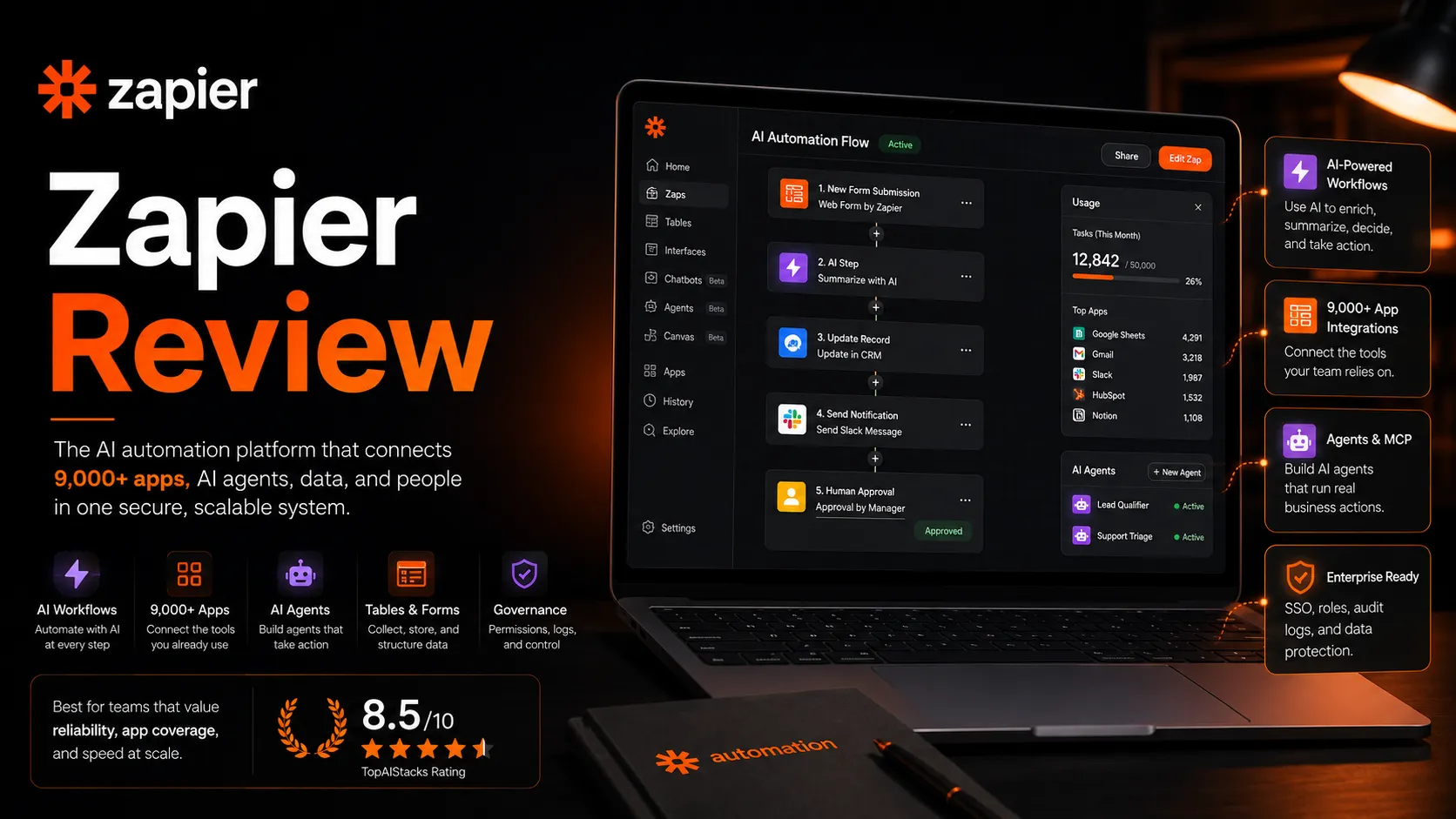
Zapier is a no-code automation platform for connecting business apps and building workflows called Zaps. The current platform now includes Zaps, Tables, Forms, Canvas, Zapier MCP, AI workflow tools, app integrations, and automation governance features. In an AI stack, Zapier works as the connector layer between assistants, spreadsheets, CRMs, forms, support tools, project tools, and publishing systems.
Who Zapier fits best
Best for teams that want reliable no-code automation across many apps without building custom integrations first.
- ✓Non-developers who need to automate repetitive app-to-app handoffs
- ✓Solopreneurs connecting forms, spreadsheets, emails, CRMs, and AI tools
- ✓Agencies building automations for clients across common SaaS apps
- ✓Teams that want AI-assisted Zap building and broad app coverage
Not ideal for
- •Teams that need deep data transformations and prefer visual scenario logic
- •Developers who want self-hosted automation and full infrastructure control
- •High-volume workflows where every extra task affects monthly cost
- •Buyers who will not monitor failed runs, permissions, and workflow ownership
Main use cases
AI tool to business app automation
Zapier can connect AI assistants, forms, spreadsheets, CRMs, Slack, Notion, and email systems so outputs move into the next step automatically. It is useful when a team already uses many SaaS apps and needs a connector layer.
Lead intake and routing
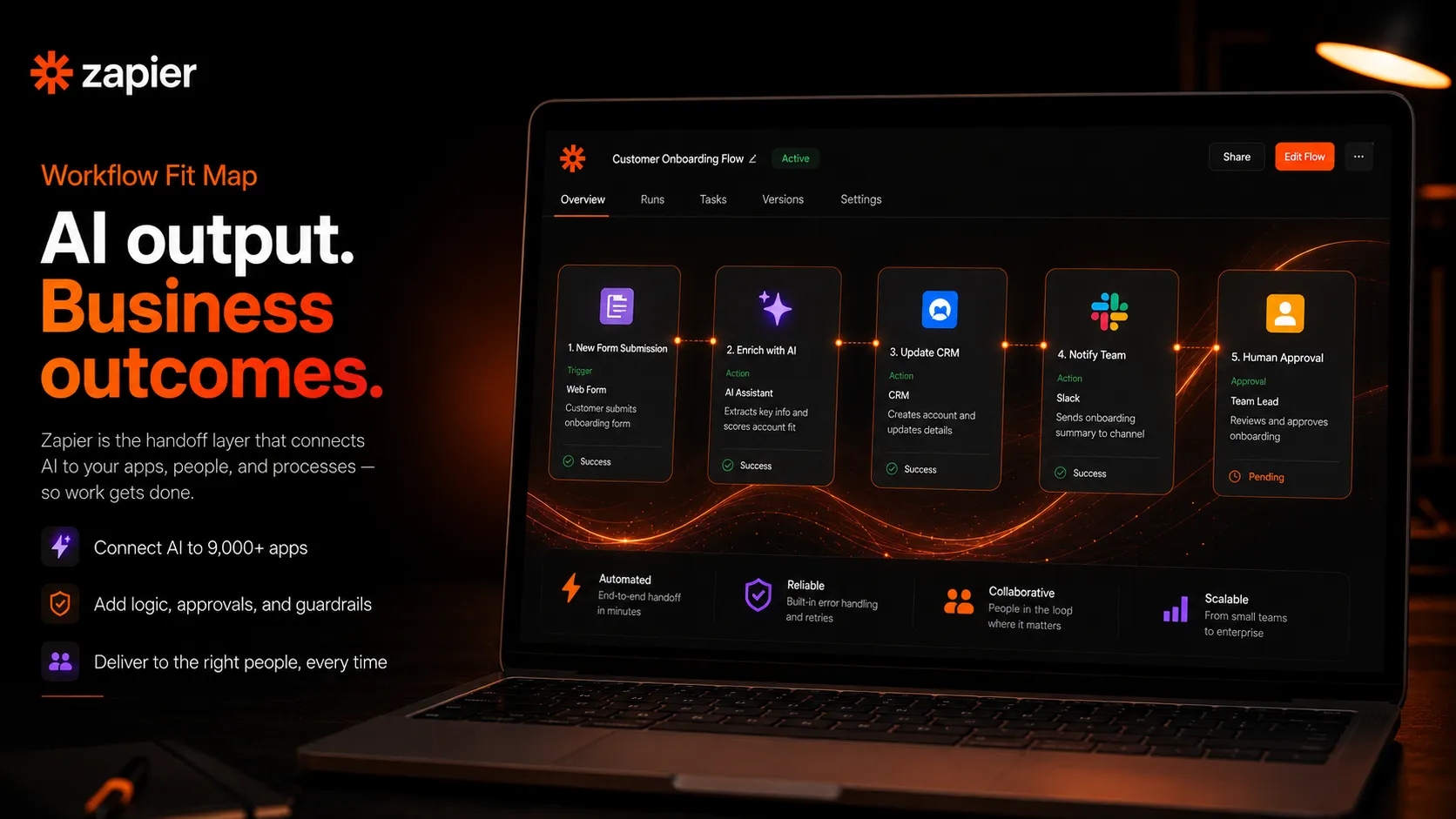
Zapier fits lead capture workflows where a form submission needs to create a CRM record, notify Slack, enrich a spreadsheet, and trigger a follow-up email. Buyers should test task volume and failure handling before relying on it for sales-critical operations.
Content operations automation
Zapier can move content briefs, AI drafts, editorial tasks, publishing notifications, and asset requests between tools. It works best when the team already has clear content stages and ownership rules.
Internal operations and admin workflows
Zapier can reduce repetitive admin work like status updates, file routing, ticket creation, reminders, and team notifications. The main limitation is that messy data and unclear processes will still create messy automations.
Where Zapier fits in the AI stack
Zapier sits between AI tools, spreadsheets, CRMs, forms, databases, project tools, support desks, and communication apps. It helps automate repetitive handoffs and trigger actions across systems. It does not replace clean data, process design, human approval points, security review, or workflow monitoring.
Stack role
Workflow automation connector layer
Best paired with
ChatGPT, Google Sheets, Airtable
Strongest layer
App-to-app automation + AI orchestration + Beginner no-code workflows
| Stack layer | Fit | What to know |
|---|---|---|
| App-to-app automation | strong | Zapier is a strong fit when teams need to connect common SaaS apps quickly without writing code. |
| AI orchestration | strong | Zapier now positions itself around AI orchestration, with Zaps, Tables, Forms, MCP, and AI tools working together. |
| Beginner no-code workflows | strong | Zapier is usually easier for non-technical users than self-hosted or developer-first automation tools. |
| Complex data transformation | medium | Zapier can handle many workflow steps, but Make or n8n may fit better for complex branching, lower-cost high-volume operations, or developer-controlled flows. |
Best stack combinations
Solopreneur operations
zapier + chatgpt + google-sheets + notion
Use ChatGPT for structured output, Zapier to move data, Google Sheets for lightweight records, and Notion for task or content tracking.
Agency workflow
zapier + airtable + slack + google-drive
Use Airtable as the operations database, Zapier for handoffs, Slack for alerts, and Google Drive for client files and approvals.
Sales and support automation
zapier + hubspot + slack + gmail
Use Zapier to route leads, create CRM records, notify teams, and trigger follow-ups across CRM, email, and team communication tools.
What Zapier can replace
- · Some manual app-to-app copy and paste work
- · Some repetitive spreadsheet updates
- · Some status notifications and follow-up reminders
- · Some lead routing and workflow handoffs
What it still needs
- · process-map: Clear trigger, action, owner, approval, and exception rules before automation is built
- · clean-data: Reliable inputs, field names, app permissions, and deduplication rules
- · error-monitoring: A plan for failed tasks, broken app connections, and retry logic
- · human-approval: Review points before automating sensitive customer, finance, or publishing actions
Add it to your stack if
- · You need fast no-code automation across many common SaaS apps.
- · You want to connect AI assistants to business systems without building custom integrations.
- · Your workflow has clear triggers, actions, permissions, and owners.
Skip it if
- · Your process is not clear enough to automate safely.
- · Your task volume is high and cost needs to be tightly controlled.
- · You need self-hosting, custom code ownership, or complex transformation logic.
Choose your next step
Pricing
→Check Free, Professional, Team, Enterprise, task tiers, yearly billing savings, app limits, support, users, and governance needs.
Alternatives
→Compare Zapier with Make, n8n, Activepieces, Workato, and other automation platforms.
Compare options
→Use this comparison if you are choosing between Zapier's ease of use and Make's visual control and operation model.
Stack fit
→See how Zapier fits with ChatGPT, Google Sheets, Notion, Airtable, Slack, and other small-team workflow tools.
Review
→Read the full editorial review before using Zapier as your main automation layer.
Pricing summary
This is a profile-level summary. Use the pricing page for deeper plan checks.
Starting path
Free plan with 100 tasks per month, paid from $19.99 per month billed annually
Free plan
Yes
Free trial
Yes
Zapier's current pricing page lists a Free plan at $0 with 100 tasks per month, Professional from $19.99 per month billed annually, Team from $69 per month billed annually, and Enterprise as custom pricing. The pricing page also shows yearly billing savings and multiple task tiers. Buyers should verify the billing toggle, task tier, premium app needs, multi-step Zap requirements, users, support level, shared connections, and governance needs before upgrading.
Best starting path: The Free plan works for simple two-step automation and testing. Professional is the first realistic plan for multi-step workflows, premium apps, webhooks, AI fields, and more serious Zap building. Team is better when shared folders, shared app connections, SAML SSO, and team governance matter. Enterprise is the safer route for large organizations with compliance, admin controls, observability, and custom deployment needs.
Related stack page
Solopreneur Stack
→Role: No-code automation layer for connecting AI, forms, sheets, email, and task tools
Zapier fits a solopreneur stack because it reduces repetitive handoffs without forcing the user to become a developer. It is especially useful when ChatGPT, forms, spreadsheets, email, and Notion need to talk to each other.
AI Automation Stack
→Role: App connector and AI orchestration layer
Zapier is useful in an AI automation stack when AI outputs need to trigger real business actions across many apps. It is strongest for broad app coverage and beginner-friendly setup.
Top alternatives
See all →Direct alternatives

Make is the closest alternative when users want more visual scenario control, stronger data transformation, and often lower operation cost at scale.

n8n is a strong alternative for teams that want self-hosting, developer control, and flexible workflow building.

Related comparisons
Zapier vs Make
Beginner-friendly app automation compared with visual scenario control and operation pricing.
Zapier vs n8n
No-code SaaS automation compared with self-hosted and developer-friendly workflow control.
Make vs n8n
Visual automation compared with open-source and self-hosted workflow building.
FAQ
What is Zapier best for?
Zapier is best for connecting apps and automating repetitive workflows without code. It fits tasks like lead routing, notifications, spreadsheet updates, CRM handoffs, AI output routing, forms, tables, and simple business process automation.
Does Zapier have a free plan?
Yes. The current pricing page lists a Free plan at $0 with 100 tasks per month, unlimited Zaps within task limits, Tables, Forms, two-step Zaps, and Zapier Copilot with daily message limits.
How much does Zapier cost?
The current pricing page lists Professional from $19.99 per month billed annually, Team from $69 per month billed annually, and Enterprise as custom pricing. Task tiers, billing interval, and plan features can change the final cost.
Is Zapier better than Make?
Zapier is often easier for beginners and has very broad app coverage. Make may be better for visual scenario logic, complex data transformation, and some high-volume workflows. The better choice depends on complexity, task volume, and team skill.
Should I use Zapier for AI automation?
Zapier is a practical choice when AI outputs need to trigger business actions in other apps. It works best when you define triggers, permissions, approval steps, and error handling before automating important workflows.
How TopAIStacks evaluates Zapier
Verified Zapier against the current official pricing page and platform messaging, then used G2 for the public rating signal. The YAML updates older task input because the current pricing page now emphasizes AI orchestration plans, Free, Professional, Team, Enterprise, Tables, Forms, MCP, and yearly billing savings.
Last checked: May 2026 · Source confidence: high